English
 Azərbaycanca
  Русский
QUALITY. SPEED. RELIABILITY — KONICA MINOLTA
MFP vs CPM: what’s the real difference?
Multifunction printers (MFPs), such as Konica Minolta bizhub series, are designed for everyday office tasks. They are convenient, versatile, and relatively affordable.
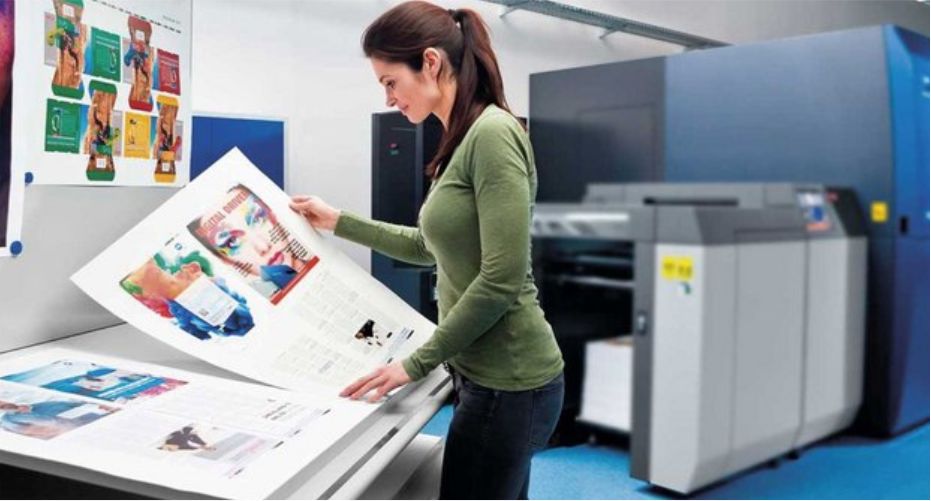
However, when it comes to commercial printing, professional systems like Konica Minolta AccurioPress come into play.
Key differences:
- Printing cost
MFP → higher, CPM → lower (key to profitability) - Materials
MFP → mostly office paper
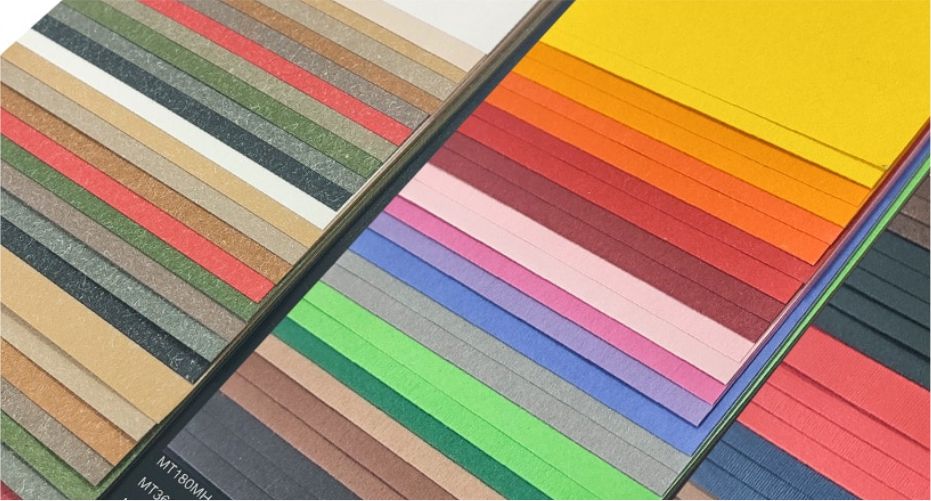
CPM → coated, textured, designer, synthetic media - Quality
MFP → unstable on complex materials
CPM → professional-grade - Workload
MFP → limited
CPM → hundreds of thousands prints/month
???? Conclusion: You can print with an MFP, but it’s hard to make profit.
???? Why CPM is essential for business
Digital presses are not just machines — they are profit tools.
They allow you to:
- produce business cards, brochures, catalogs, packaging,
- print up to 450 gsm media,
- use long sheets up to 1300 mm,
- maintain consistent quality at high volumes.
SRA3 toner-based CPMs (330×488 mm) are the industry gold standard.
Performance & ROI
Modern Konica Minolta lineup offers:
- Color CPM → 66–140 ppm (A4)
- Mono CPM → 100–272 ppm
Break-even point starts from:
around 15,000 prints/month
Important: never choose a machine at its limit —
your business will grow, and your equipment must handle future demand.
Cost & click contract
A very efficient model is the click contract:
- you pay per printed page,
- supplier covers:
- toner,
- spare parts,
- service and maintenance.
✔ predictable costs
✔ no unexpected expenses
✔ focus on profit, not maintenance
Print quality: what matters?
Quality depends on:
- paper type,
- toner technology,
- imaging system.
Modern CPMs provide:
- up to 2400×3600 dpi resolution,
- sharp details and smooth gradients,
- excellent compatibility with finishing processes.
Interesting fact:
Some models use soy-based toner, suitable for food packaging production.